Skip to content
PC Settings

PC Settings

  • All Articles
  • App
  • Coding
  • Hardware
  • More
    • Operating System
    • Outlook
    • PowerPoint
    • Software
    • Tip & Trick
    • Troubleshooting
    • Windows

All Recipes — Page 6

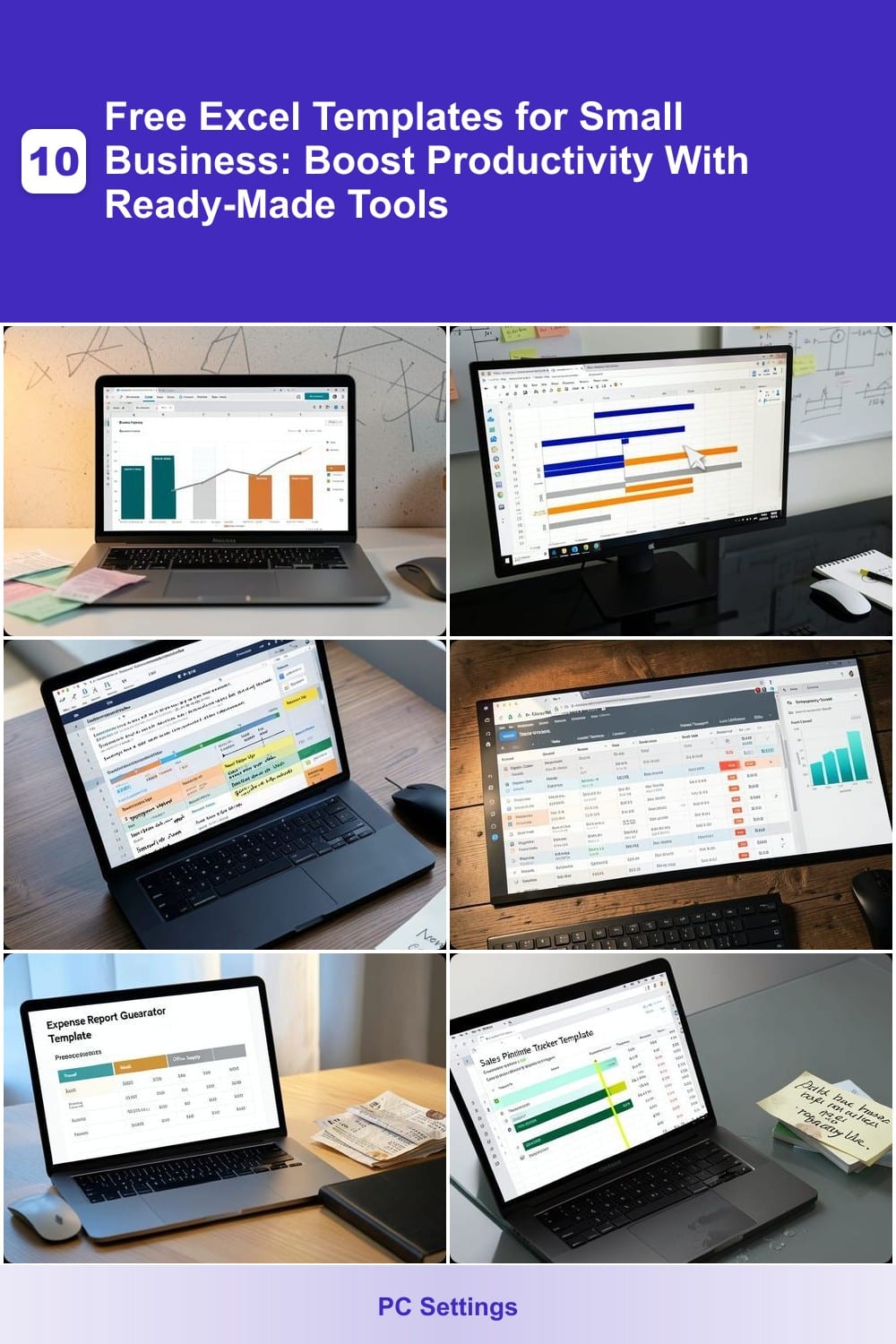
10 Free Excel Templates for Small Business: Boost Productivity With Ready-Made Tools
October 18, 2026 by Rosalind Dubois
10 Free Excel Templates for Small Business: Boost Productivity With Ready-Made Tools

Small business owners need efficient tools to streamline operations without breaking the bank. These 10 free Excel templates cover everything from budgeting to inventory management, saving you time and boosting…
Read more

Categories Software

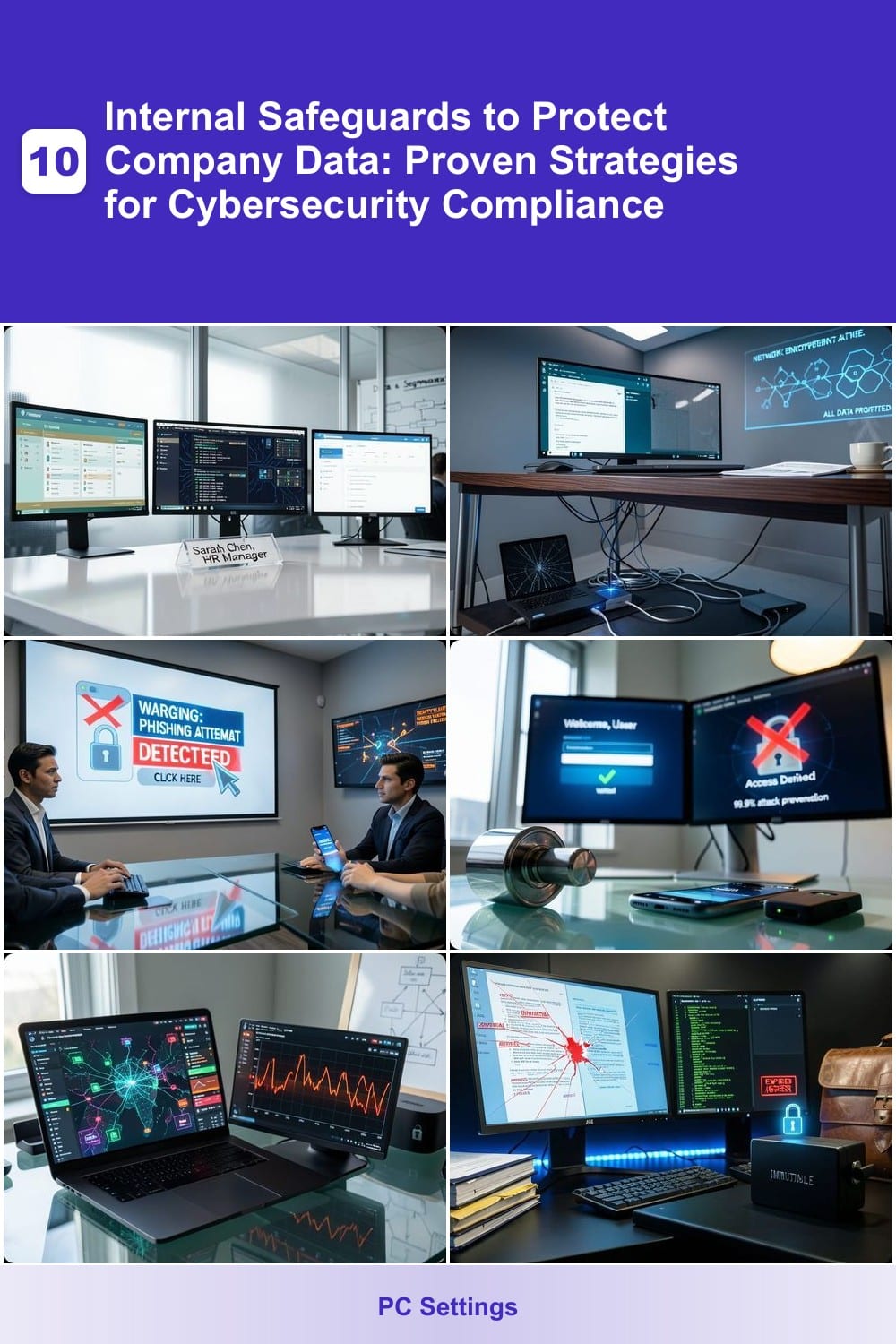
10 Internal Safeguards to Protect Company Data: Proven Strategies for Cybersecurity Compliance

October 18, 2026 by Rosalind Dubois
10 Internal Safeguards to Protect Company Data: Proven Strategies for Cybersecurity Compliance

Data breaches cost businesses millions annually—yet many overlook internal safeguards that can prevent attacks before they start. These 10 proven strategies help companies build a cybersecurity-first culture, enforce…

Read more

Categories Operating System

10 Microsoft IIS/10.0 Vulnerabilities: Critical Exploits and Immediate Mitigation Steps

October 18, 2026 by Rosalind Dubois
10 Microsoft IIS/10.0 Vulnerabilities: Critical Exploits and Immediate Mitigation Steps

Microsoft IIS 10.0 remains a cornerstone of enterprise web infrastructure, but its vulnerabilities pose serious security risks. These ten critical exploits—ranging from remote code execution to authentication…

Read more

Categories Troubleshooting

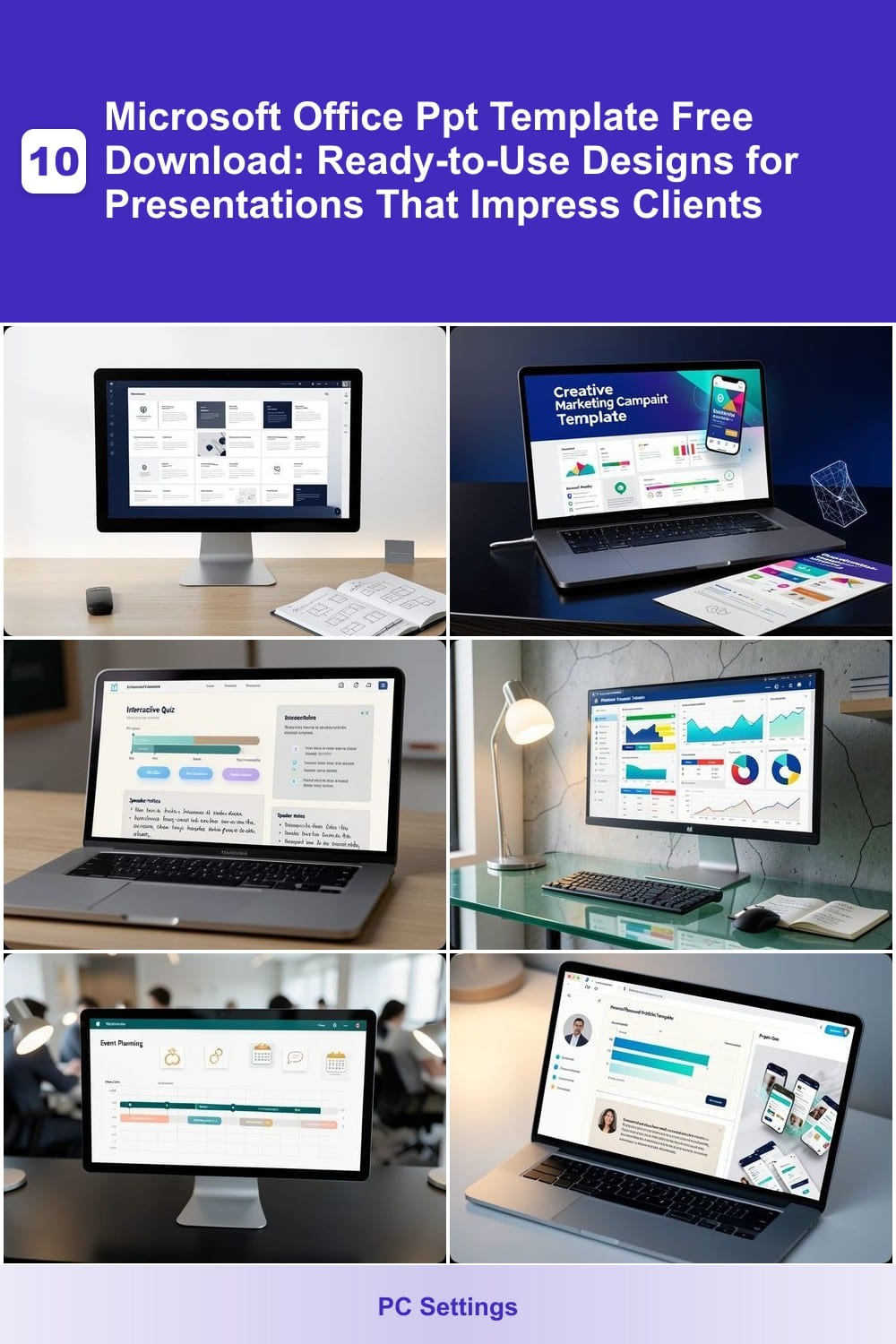
Microsoft Office Ppt Template Free Download: Ready-to-Use Designs for Presentations That Impress Clients

October 18, 2026 by Rosalind Dubois
Microsoft Office Ppt Template Free Download: Ready-to-Use Designs for Presentations That Impress Clients

Need professional PowerPoint templates that don’t require design skills? These seven free Microsoft Office-compatible designs help you create polished presentations that win over clients, investors, or colleagues—without…

Read more

Categories PowerPoint

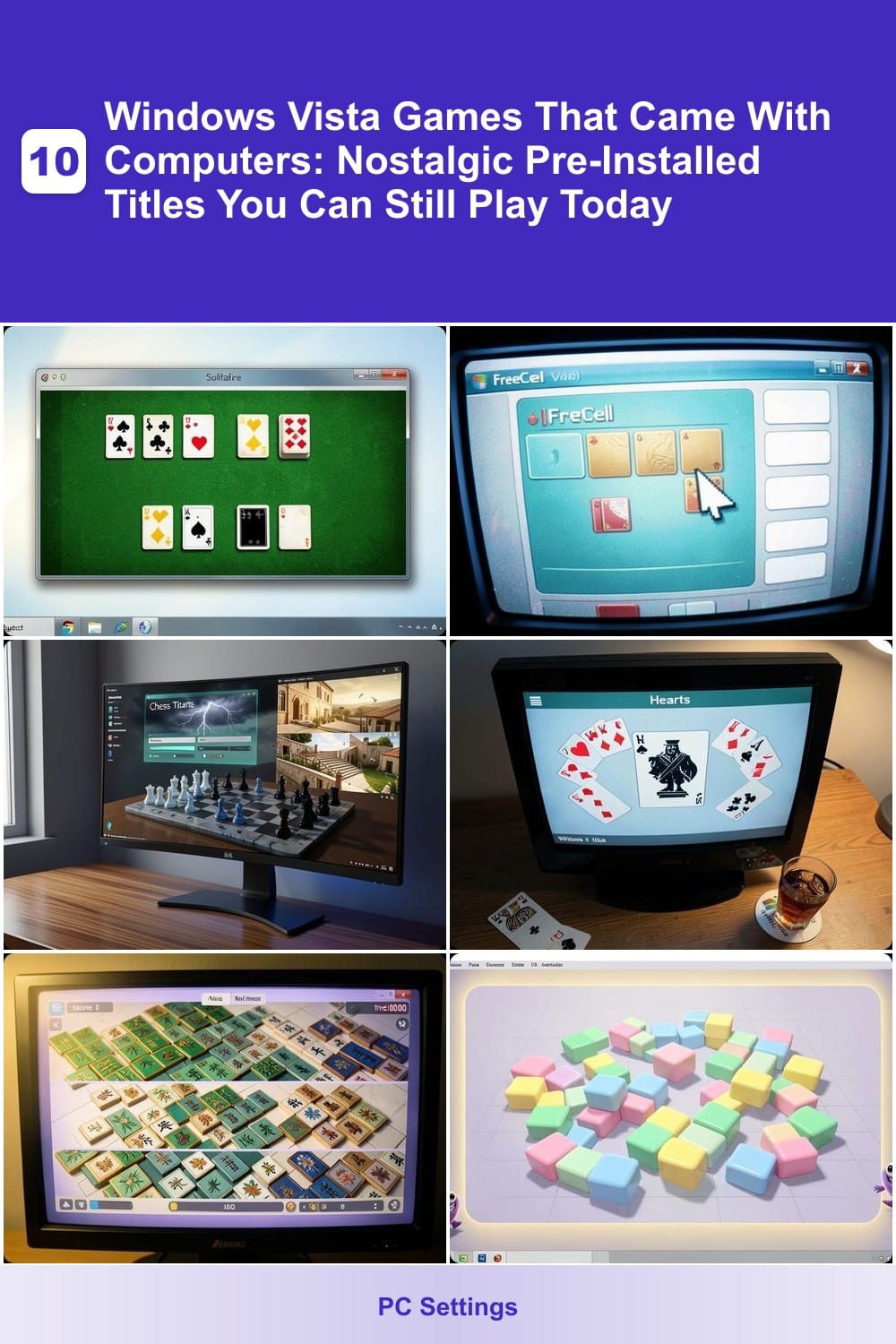
10 Windows Vista Games That Came With Computers: Nostalgic Pre-Installed Titles You Can Still Play Today

October 18, 2026 by Rosalind Dubois
10 Windows Vista Games That Came With Computers: Nostalgic Pre-Installed Titles You Can Still Play Today

Remember the games that came pre-installed on Windows Vista? These nostalgic titles were designed to entertain while you waited for your PC to load. From classic card games to simple puzzles, here are 10 pre-installed…

Read more

Categories Windows

OneDrive Photos Access: Quick Desktop Access Without the Hassle

October 15, 2026 by Rosalind Dubois
OneDrive Photos Access: Quick Desktop Access Without the Hassle

Accessing your OneDrive photos on a PC doesn’t need to be a puzzle—it’s quicker than you’d expect, especially when you know the right shortcuts. 💻 I’ve helped dozens of folks unlock their cloud-stored photos in under…

Read more

Categories Tip & Trick

How to Add Analysis Toolpak in Excel: Step-by-Step Activation for Data Crunching Power

October 15, 2026 by Rosalind Dubois
How to Add Analysis Toolpak in Excel: Step-by-Step Activation for Data Crunching Power

Adding the Analysis ToolPak in Excel unlocks powerful data tools most users never realize they’re missing. ✨ I’ve used this add-in to crunch everything from sales projections to inventory models—it’s the secret weapon…

Read more

Categories Software

How to Add Text on TikTok PC: Screen-Capture Editing Made Simple

October 15, 2026 by Rosalind Dubois
How to Add Text on TikTok PC: Screen-Capture Editing Made Simple

Adding text to TikTok videos on your PC used to mean fumbling with mobile apps or clunky screen recording tools. ✨ I’ve streamlined the process into a five-minute workflow that works whether you’re using TikTok’s desktop…

Read more

Categories Tip & Trick

PC Performance Check: Real-Time Speed Test With 5 Key Metrics

October 15, 2026 by Rosalind Dubois
PC Performance Check: Real-Time Speed Test With 5 Key Metrics

To check your PC's performance, start with the five metrics that matter most—CPU load, RAM usage, disk speed, GPU activity, and system temperature. ✨ I've been running these checks for over two decades, and these five…

Read more

Categories Tip & Trick

How to Check Xbox Purchase History: Step-by-Step Guide for Every Transaction

October 15, 2026 by Rosalind Dubois
How to Check Xbox Purchase History: Step-by-Step Guide for Every Transaction

Checking your Xbox purchase history is simpler than you think—once you know where to look. 💻 I’ve spent hours digging through Microsoft’s menus to find the fastest ways, whether you’re on an Xbox console, the Xbox app…

Read more

Categories Tip & Trick
Page1…Page4Page5Page6Page7Page8…Page14Next →

About Me

Rosalind Dubois

Rosalind Dubois
My first computer was a clunky desktop with a whirring hard drive that sounded like a lawnmower. It broke down more times than it worked, but those failures taught me more about patience—and tech—than any textbook ever could. Now, I run this site to help others navigate the digital world with confidence, whether they're troubleshooting a stubborn PC or diving into their first Linux setup.

Learn more

Recent Posts

  • Amazon App Store Download For PC: Direct Offline Installer With Full Windows Support
    Amazon App Store Download For PC: Direct Offline Installer With Full Windows Support
  • What Is Windows PC Health Check: How It Detects Hidden Performance Issues
    What Is Windows PC Health Check: How It Detects Hidden Performance Issues
  • Why Does My PC Keep Crashing: Hardware Overload or Malware Culprit
    Why Does My PC Keep Crashing: Hardware Overload or Malware Culprit
  • How to Recover Deleted Files on PC: Instant Retrieval Without Data Loss
    How to Recover Deleted Files on PC: Instant Retrieval Without Data Loss
  • How to Check Data Type in Excel: Instant Verification With 3 Simple Functions
    How to Check Data Type in Excel: Instant Verification With 3 Simple Functions
  • All Guides
  • About
  • Contact
  • Privacy Policy
  • Cookie Policy
  • Terms of Use
© 2026 pcsettings.click