Skip to content
PC Settings

PC Settings

  • All Articles
  • App
  • Coding
  • Hardware
  • More
    • Operating System
    • Outlook
    • PowerPoint
    • Software
    • Tip & Trick
    • Troubleshooting
    • Windows

PowerPoint

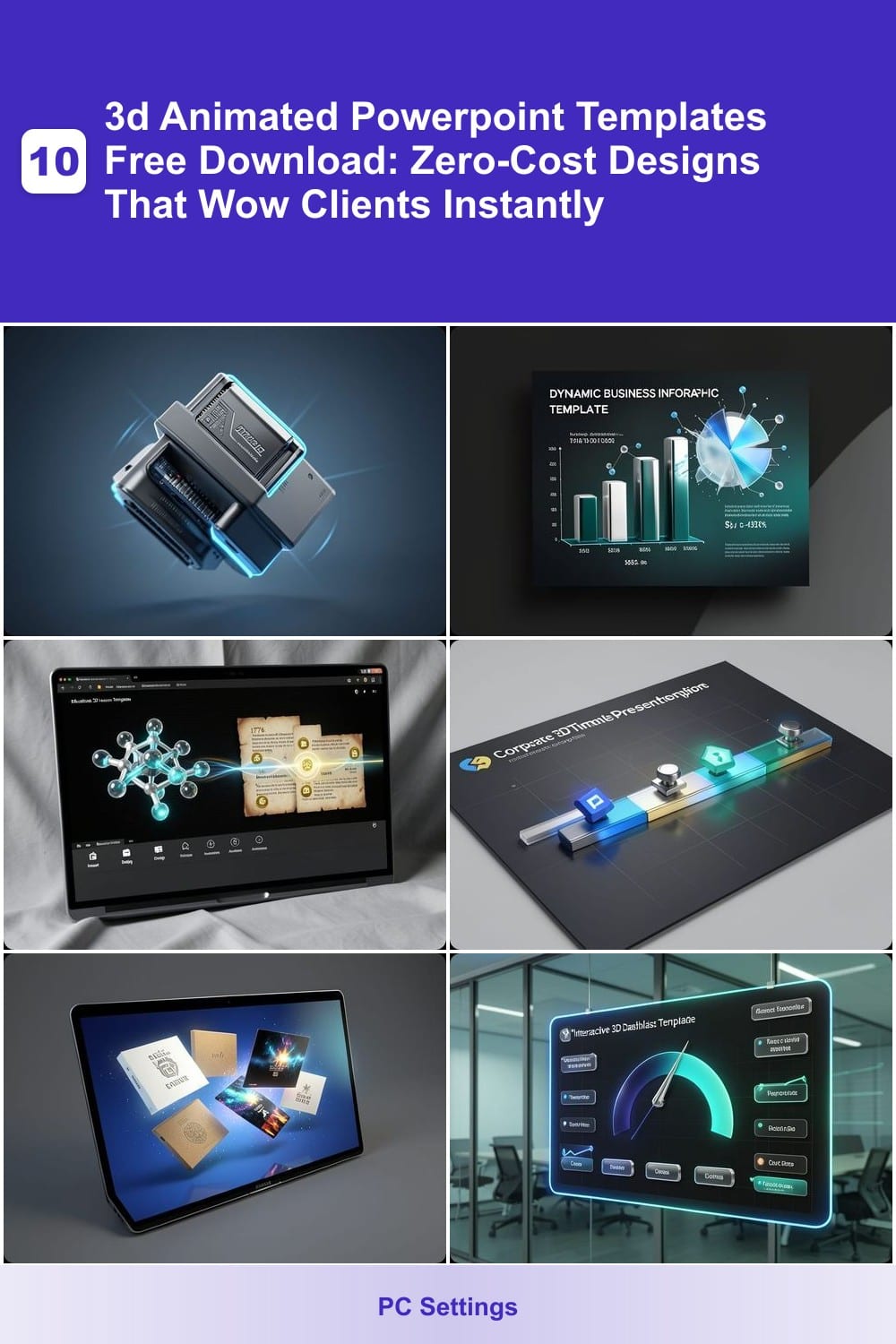
3d Animated Powerpoint Templates Free Download: Zero-Cost Designs That Wow Clients Instantly
November 5, 2026 by Rosalind Dubois
3d Animated Powerpoint Templates Free Download: Zero-Cost Designs That Wow Clients Instantly

Need eye-catching PowerPoint presentations without breaking the bank? These seven free 3D animated templates will transform your slides into professional, dynamic visuals that impress clients and colleagues—no design…

Read more

Categories PowerPoint

How to Add a Slide to an Existing Powerpoint Presentation: Instant Insertion Without Losing Formatting

October 12, 2026 by Rosalind Dubois
How to Add a Slide to an Existing Powerpoint Presentation: Instant Insertion Without Losing Formatting

Adding a slide to an existing PowerPoint presentation used to feel like navigating blindfolded—until I discovered the Ctrl+M shortcut that makes it shockingly simple. 💡 I’ve spent hours watching colleagues fumble…

Read more

Categories PowerPoint

How to Add a Template to Powerpoint: Drag-and-Drop Customization in Minutes

November 19, 2026 by Rosalind Dubois
How to Add a Template to Powerpoint: Drag-and-Drop Customization in Minutes

Adding a template to PowerPoint transforms your presentations from generic to professional in seconds. ⚡ I’ve spent hours customizing slideshows, and the right template cuts that time by 90%. Whether you’re using…

Read more

Categories PowerPoint

How to Add a Timer to Powerpoint: Built-In Animation Clock in Seconds

October 12, 2026 by Rosalind Dubois
How to Add a Timer to Powerpoint: Built-In Animation Clock in Seconds

Adding a timer to PowerPoint is one of those little tricks that turns a basic presentation into a polished, professional tool—⚡ and it takes less than a minute with the right approach. I remember teaching this to a group…

Read more

Categories PowerPoint

How to Add Alt Text in PowerPoint: Accessibility Boost in 3 Simple Clicks

October 7, 2026 by Rosalind Dubois
How to Add Alt Text in PowerPoint: Accessibility Boost in 3 Simple Clicks

Adding alt text in PowerPoint turns your slides from visually dependent to universally accessible. ✨ I’ve helped dozens of presenters make their decks screen-reader friendly—it’s the one tweak that makes the biggest…

Read more

Categories PowerPoint

How to Add Annotations in PowerPoint: Visual Notes That Pop Without the Clutter

October 10, 2026 by Rosalind Dubois
How to Add Annotations in PowerPoint: Visual Notes That Pop Without the Clutter

Adding annotations in PowerPoint isn’t just about scribbling notes—it’s about making your slides pop without drowning in clutter. ✨ I’ve used these techniques for client presentations where a single arrow or highlight…

Read more

Categories PowerPoint

How to Add a Footer in PowerPoint: Step-by-Step Visual Guide for Quick Branding

October 10, 2026 by Rosalind Dubois
How to Add a Footer in PowerPoint: Step-by-Step Visual Guide for Quick Branding

Adding a footer in PowerPoint is the fastest way to brand every slide consistently—something I learned the hard way after spending hours manually editing 50-slide decks. The process takes less than 30 seconds once you…

Read more

Categories PowerPoint

How to Add Narration to PowerPoint: Voiceover Magic in Minutes

November 19, 2026 by Rosalind Dubois
How to Add Narration to PowerPoint: Voiceover Magic in Minutes

Adding narration to PowerPoint turns slideshows into dynamic presentations that stick with your audience. ⚡ I’ve recorded dozens of these over the years, and the process is shockingly simple once you know the right…

Read more

Categories PowerPoint

How to Spell Check in PowerPoint: Built-In Proofing for Error-Free Slides

October 11, 2026 by Rosalind Dubois
How to Spell Check in PowerPoint: Built-In Proofing for Error-Free Slides

Learning how to spell check in PowerPoint turned my shaky presentations into polished ones—until I found the built-in tool that saves me five minutes per slide on average. ✨ The feature is hidden in plain sight, but once…

Read more

Categories PowerPoint

Microsoft Office Ppt Template Free Download: Ready-to-Use Designs for Presentations That Impress Clients

October 18, 2026 by Rosalind Dubois
Microsoft Office Ppt Template Free Download: Ready-to-Use Designs for Presentations That Impress Clients

Need professional PowerPoint templates that don’t require design skills? These seven free Microsoft Office-compatible designs help you create polished presentations that win over clients, investors, or colleagues—without…

Read more

Categories PowerPoint
Page1Page2Next →

About Me

Rosalind Dubois

Rosalind Dubois
My first computer was a clunky desktop with a whirring hard drive that sounded like a lawnmower. It broke down more times than it worked, but those failures taught me more about patience—and tech—than any textbook ever could. Now, I run this site to help others navigate the digital world with confidence, whether they're troubleshooting a stubborn PC or diving into their first Linux setup.

Learn more

Recent Posts

  • Amazon App Store Download For PC: Direct Offline Installer With Full Windows Support
    Amazon App Store Download For PC: Direct Offline Installer With Full Windows Support
  • What Is Windows PC Health Check: How It Detects Hidden Performance Issues
    What Is Windows PC Health Check: How It Detects Hidden Performance Issues
  • Why Does My PC Keep Crashing: Hardware Overload or Malware Culprit
    Why Does My PC Keep Crashing: Hardware Overload or Malware Culprit
  • How to Recover Deleted Files on PC: Instant Retrieval Without Data Loss
    How to Recover Deleted Files on PC: Instant Retrieval Without Data Loss
  • How to Check Data Type in Excel: Instant Verification With 3 Simple Functions
    How to Check Data Type in Excel: Instant Verification With 3 Simple Functions
  • All Guides
  • About
  • Contact
  • Privacy Policy
  • Cookie Policy
  • Terms of Use
© 2026 pcsettings.click