Skip to content
PC Settings

PC Settings

  • All Articles
  • App
  • Coding
  • Hardware
  • More
    • Operating System
    • Outlook
    • PowerPoint
    • Software
    • Tip & Trick
    • Troubleshooting
    • Windows

All Recipes — Page 5

Can You Play Fable 3 on PC: System Requirements and How to Run It
November 5, 2026 by Rosalind Dubois
Can You Play Fable 3 on PC: System Requirements and How to Run It

Can you play Fable 3 on PC? The answer is yes—but only through emulation or compatibility mode on a Windows XP or Vista system or a virtual machine with DirectX 9 support. Native PC versions are rare, and performance may…

Read more

Categories Software

Can You Sync Samsung Notes to PC: Direct Methods and File Location Guide

November 5, 2026 by Rosalind Dubois
Can You Sync Samsung Notes to PC: Direct Methods and File Location Guide

💥 Quick Answer You can sync Samsung Notes to a PC by exporting files through Samsung Flow or Kies, then transferring them to OneNote or a local folder. Native cloud sync isn't available, but third-party tools like…

Read more

Categories Troubleshooting

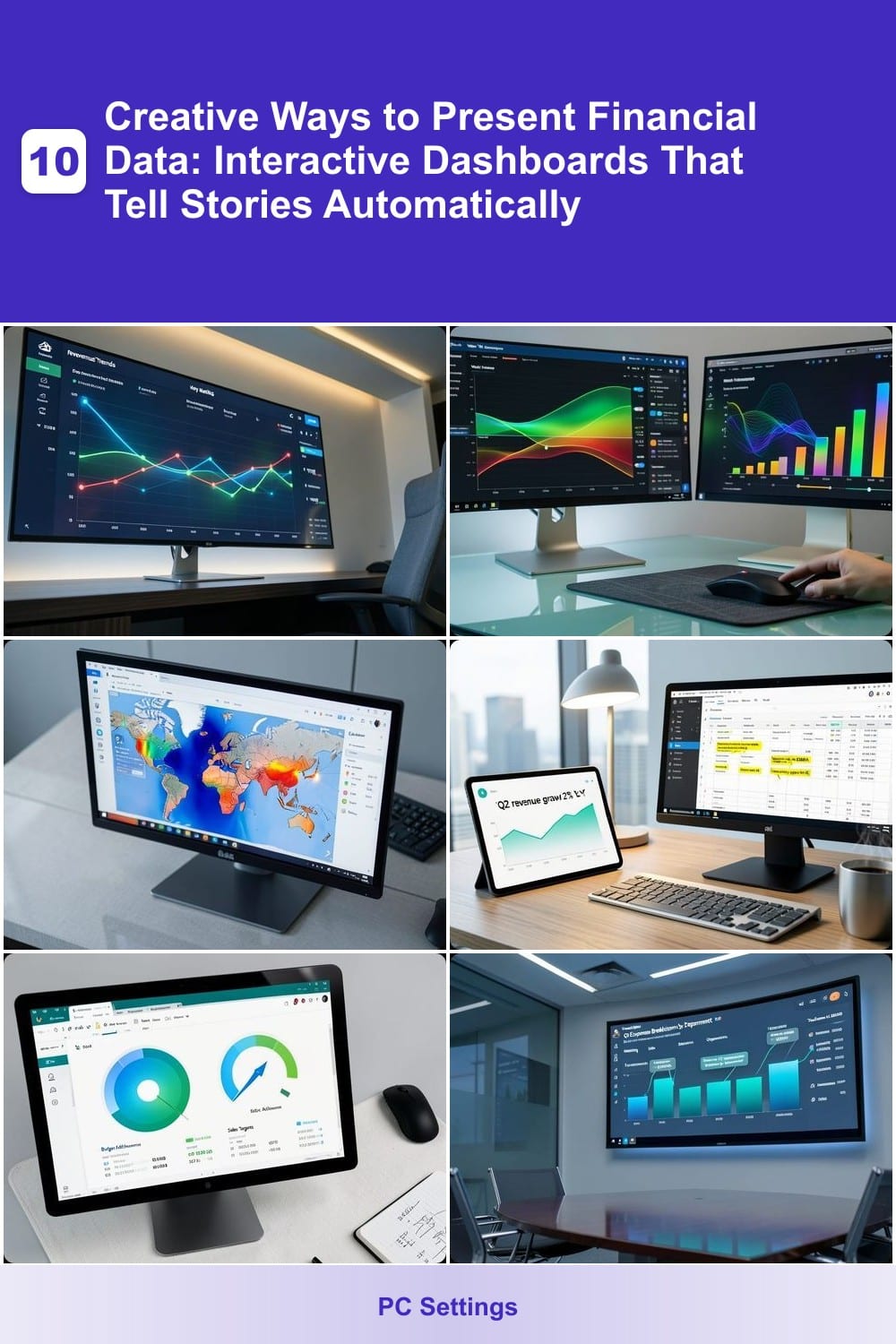
10 Creative Ways to Present Financial Data: Interactive Dashboards That Tell Stories Automatically

November 5, 2026 by Rosalind Dubois
10 Creative Ways to Present Financial Data: Interactive Dashboards That Tell Stories Automatically

Boring spreadsheets won’t cut it anymore. These 10 creative financial data visualization techniques transform raw numbers into compelling stories—automatically—using interactive dashboards that engage stakeholders and…

Read more

Categories Operating System

10 Dangers of Oversharing on Social Media: Real-Life Consequences You Should Avoid

November 5, 2026 by Rosalind Dubois
10 Dangers of Oversharing on Social Media: Real-Life Consequences You Should Avoid

Posting too much online can have serious real-world consequences. From identity theft to job loss, these 10 dangers of oversharing on social media reveal why privacy matters more than ever in today's digital age. 1…

Read more

Categories Troubleshooting

Does Factory Reset Make PC Faster: Real Speed Impact and Hidden Trade-Offs

November 5, 2026 by Rosalind Dubois
Does Factory Reset Make PC Faster: Real Speed Impact and Hidden Trade-Offs

💥 Quick Answer Does factory reset make PC faster? Yes, but with important trade-offs: it cleans out bloatware, malware, and corrupted system files that drag down performance, while also erasing custom optimizations and…

Read more

Categories Hardware

Download Teams Add-In for Outlook: One-Click Integration for Seamless Collaboration

November 5, 2026 by Rosalind Dubois
Download Teams Add-In for Outlook: One-Click Integration for Seamless Collaboration

Downloading the Teams Add-in for Outlook turns your email into a collaboration powerhouse—no more context-switching between apps. ⚡ I’ve installed this on every Outlook setup I’ve touched since Microsoft made it…

Read more

Categories Outlook

Excel Experienced a Serious Problem With the Add-In: Disable and Re-Enable in 3 Clicks

November 5, 2026 by Rosalind Dubois
Excel Experienced a Serious Problem With the Add-In: Disable and Re-Enable in 3 Clicks

That "Excel experienced a serious problem with the add-in" error message has derailed more workflows than I can count. ✨ I’ve seen it freeze spreadsheets, block macros, and even crash entire Office suites—usually when…

Read more

Categories Troubleshooting

Excel Power View Add-In Download: Official Microsoft Source for Data Visualization Tools

November 5, 2026 by Rosalind Dubois
Excel Power View Add-In Download: Official Microsoft Source for Data Visualization Tools

Microsoft’s Excel Power View add-in download is your gateway to turning static spreadsheets into interactive dashboards—if you know where to find it. But here’s the catch: Microsoft no longer actively promotes it, and…

Read more

Categories Software

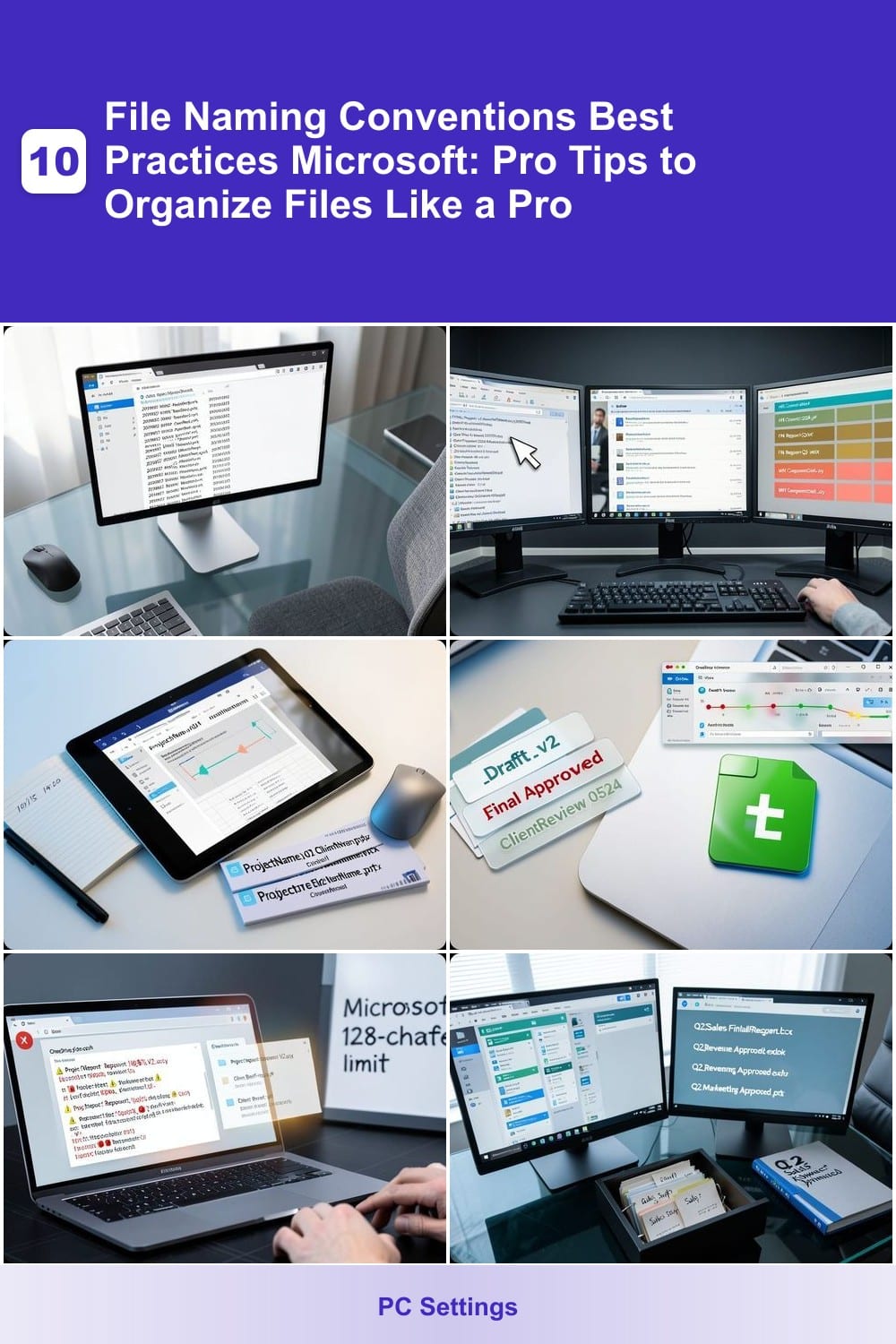
File Naming Conventions Best Practices Microsoft: Pro Tips to Organize Files Like a Pro

November 5, 2026 by Rosalind Dubois
File Naming Conventions Best Practices Microsoft: Pro Tips to Organize Files Like a Pro

Struggling to find files in your Microsoft ecosystem? Mastering file naming conventions transforms chaos into a searchable, shareable system. These best practices ensure seamless organization across Windows, OneDrive…

Read more

Categories Tip & Trick

Free Download Calculator for Windows 10 64-Bit: Trusted Tools Without Bloatware Risks

November 5, 2026 by Rosalind Dubois
Free Download Calculator for Windows 10 64-Bit: Trusted Tools Without Bloatware Risks

A free download calculator for Windows 10 64-bit should be fast, secure, and packed with features—not ads or malware. Too many "free" tools promise the moon but leave your system slower (or worse, infected) after…

Read more

Categories Windows
Page1…Page3Page4Page5Page6Page7…Page14Next →

About Me

Rosalind Dubois

Rosalind Dubois
My first computer was a clunky desktop with a whirring hard drive that sounded like a lawnmower. It broke down more times than it worked, but those failures taught me more about patience—and tech—than any textbook ever could. Now, I run this site to help others navigate the digital world with confidence, whether they're troubleshooting a stubborn PC or diving into their first Linux setup.

Learn more

Recent Posts

  • Amazon App Store Download For PC: Direct Offline Installer With Full Windows Support
    Amazon App Store Download For PC: Direct Offline Installer With Full Windows Support
  • What Is Windows PC Health Check: How It Detects Hidden Performance Issues
    What Is Windows PC Health Check: How It Detects Hidden Performance Issues
  • Why Does My PC Keep Crashing: Hardware Overload or Malware Culprit
    Why Does My PC Keep Crashing: Hardware Overload or Malware Culprit
  • How to Recover Deleted Files on PC: Instant Retrieval Without Data Loss
    How to Recover Deleted Files on PC: Instant Retrieval Without Data Loss
  • How to Check Data Type in Excel: Instant Verification With 3 Simple Functions
    How to Check Data Type in Excel: Instant Verification With 3 Simple Functions
  • All Guides
  • About
  • Contact
  • Privacy Policy
  • Cookie Policy
  • Terms of Use
© 2026 pcsettings.click