Skip to content
PC Settings

PC Settings

  • All Articles
  • App
  • Coding
  • Hardware
  • More
    • Operating System
    • Outlook
    • PowerPoint
    • Software
    • Tip & Trick
    • Troubleshooting
    • Windows

All Recipes — Page 14

Google Lens for PC Windows 10: Instant Visual Search Setup in 3 Clicks

October 6, 2026 by Rosalind Dubois
Google Lens for PC Windows 10: Instant Visual Search Setup in 3 Clicks

Using Google Lens on your Windows 10 PC lets you scan, translate, and search visually right from your desktop—no phone needed. Imagine typing a product name into Google just by snapping a photo of its barcode, or…
Read more

Categories Windows

How Long Can You Leave Your PC On: Expert Lifespan Limits and Heat Risks

October 6, 2026 by Rosalind Dubois
How Long Can You Leave Your PC On: Expert Lifespan Limits and Heat Risks

💥 Quick Answer You can safely leave your PC on for months or years with proper maintenance, though experts suggest daily or weekly shutdowns to protect components like fans, capacitors, and thermal paste. Overclocked or…

Read more

Categories Tip & Trick

How to Install Ram in a Desktop Pc: Stress-Free Steps for Beginners

October 6, 2026 by Rosalind Dubois
How to Install Ram in a Desktop Pc: Stress-Free Steps for Beginners

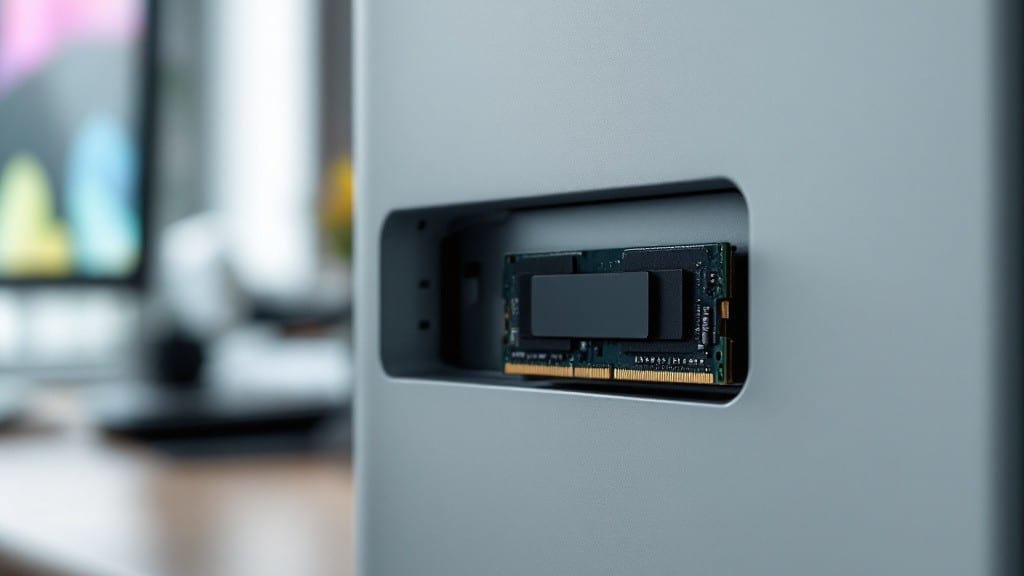
Installing RAM in your desktop PC is easier than you think—my uncle’s basement taught me that back in 1998 when I first replaced a hard drive. ✨ The key is patience and a few simple precautions that prevent static damage…

Read more

Categories Tip & Trick

PC Wakes Up From Sleep By Itself: Wake Trigger Settings to Disable Immediately

October 6, 2026 by Rosalind Dubois
PC Wakes Up From Sleep By Itself: Wake Trigger Settings to Disable Immediately

My PC waking from sleep by itself ruined a late-night work session last week—until I tracked down the culprit in wake trigger settings buried deep in Windows and hardware settings. The frustration comes from how many…

Read more

Categories Troubleshooting

PowerView Excel 2013 Add-In Download: Direct Microsoft Source for Legacy Systems

October 6, 2026 by Rosalind Dubois
PowerView Excel 2013 Add-In Download: Direct Microsoft Source for Legacy Systems

The PowerView add-in for Excel 2013 download is still available through Microsoft’s official archives, even after support ended. If you're running legacy systems and need this tool for data visualization, the hunt for a…

Read more

Categories Software

T-Mobile App for PC: Official Desktop Access Without Web Limits

October 6, 2026 by Rosalind Dubois
T-Mobile App for PC: Official Desktop Access Without Web Limits

The T-Mobile app for PC lets you manage your account from a desktop with full control—no phone needed. Struggling to juggle your plan details, hotspot settings, or customer service tickets while stuck at a computer? The…

Read more

Categories App
Page1…Page12Page13Page14

About Me

Rosalind Dubois

Rosalind Dubois
My first computer was a clunky desktop with a whirring hard drive that sounded like a lawnmower. It broke down more times than it worked, but those failures taught me more about patience—and tech—than any textbook ever could. Now, I run this site to help others navigate the digital world with confidence, whether they're troubleshooting a stubborn PC or diving into their first Linux setup.

Learn more

Recent Posts

  • Amazon App Store Download For PC: Direct Offline Installer With Full Windows Support
    Amazon App Store Download For PC: Direct Offline Installer With Full Windows Support
  • What Is Windows PC Health Check: How It Detects Hidden Performance Issues
    What Is Windows PC Health Check: How It Detects Hidden Performance Issues
  • Why Does My PC Keep Crashing: Hardware Overload or Malware Culprit
    Why Does My PC Keep Crashing: Hardware Overload or Malware Culprit
  • How to Recover Deleted Files on PC: Instant Retrieval Without Data Loss
    How to Recover Deleted Files on PC: Instant Retrieval Without Data Loss
  • How to Check Data Type in Excel: Instant Verification With 3 Simple Functions
    How to Check Data Type in Excel: Instant Verification With 3 Simple Functions
  • All Guides
  • About
  • Contact
  • Privacy Policy
  • Cookie Policy
  • Terms of Use
© 2026 pcsettings.click