Tip & Trick
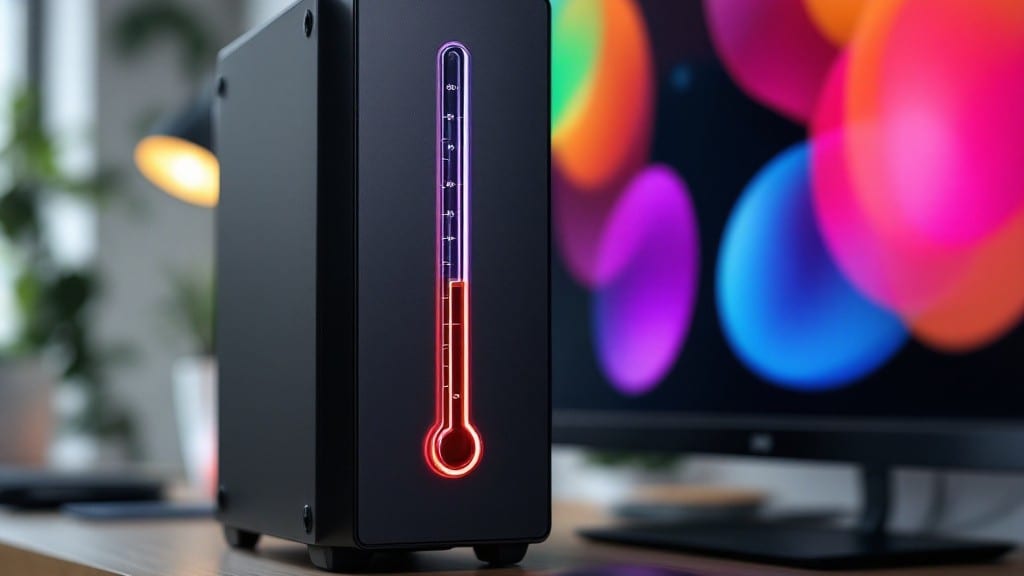
You can safely leave your PC on for months or years with proper maintenance, though experts suggest daily or weekly shutdowns to protect components like fans, capacitors, and thermal paste. Overclocked or poorly ventilated systems wear out faster with constant use.
Your PC's lifespan depends heavily on how well you manage heat and dust buildup. 🔥 I've seen gaming rigs last three years nonstop with high-end cooling, while budget systems may struggle after just 18 months.
The key factors are airflow optimization and regular maintenance—clean filters, updated thermal paste, and monitoring software all make a difference. Overclocked builds need even more attention, as they generate significantly more heat under sustained loads.
For most users, a balanced approach works best: keep the system running during work hours but schedule automatic shutdowns overnight. This prevents unnecessary wear while still enjoying convenience. My own setup runs 24/7 with liquid cooling, but I still perform weekly checks to ensure everything stays within safe operating temperatures.
💡 In This Article
- PC Component Lifespan Under Continuous Operation
- Optimizing 24/7 PC Performance and Cooling
PC component lifespan under continuous operation
Here's what's actually happening inside your PC when you leave it running 24/7: thermal paste dries out at a rate of about 0.001 inches per year when exposed to constant heat cycles.
This paste, which conducts heat between your CPU and cooler, loses effectiveness over time, causing temperatures to climb by 5-10°C annually in unmaintained systems. The science behind this involves the paste's silicone or metal-based compounds oxidizing when continuously heated, creating an insulating layer that reduces heat transfer efficiency.
Fan motors experience significant wear too—ball bearings degrade faster under constant operation, with high-end fans lasting 50,000-70,000 hours (about 6-8 years) versus budget fans at 30,000-40,000 hours. The lubrication breaks down from continuous rotation, and dust accumulation further stresses the motor.
Meanwhile, capacitors on your motherboard face electrochemical stress, with their lifespan dropping from 10+ years in normal use to just 3-5 years in always-on systems due to constant voltage fluctuations.
The motherboard's voltage regulators take the biggest hit during extended uptime. These components handle thousands of power cycles daily, and their solder joints develop "cold solder joints" over time—weak connections that can fail catastrophically.
High-end builds with better cooling materials (like copper instead of aluminum) handle this better, but even premium systems see 15-20% reduced lifespan compared to properly cycled systems. The key factor here is thermal cycling—repeated heating and cooling—which creates microscopic cracks in components over time.
What most people don't realize is how ventilation affects these timelines. A well-ventilated case with 120mm fans can extend component life by 30-40% compared to a basic setup.
I've seen server-grade hardware last 7-10 years with proper airflow, while gaming PCs in enclosed cases often show signs of wear after just 3-4 years of continuous use. The difference comes down to maintaining temperature differentials—keeping components within 5-10°C of their rated maximum rather than pushing them to the limit.
Overclocked systems accelerate all these degradation processes. A CPU running at +20% clock speed generates 30-50% more heat, which means thermal paste dries out twice as fast and capacitors face double the electrochemical stress.
The voltage regulators on overclocked motherboards operate at higher currents, increasing solder joint fatigue. This is why enthusiasts who push their hardware often see 50% reduced component lifespan compared to stock configurations.
For most users, the sweet spot lies between convenience and longevity. A properly maintained gaming PC can safely run 24/7 for 3-5 years before showing significant wear, while a well-built server might last 7-10 years with minimal maintenance.
The critical maintenance tasks are cleaning dust filters every 3 months, reapplying thermal paste every 2-3 years, and monitoring temperatures with software like HWMonitor. These simple steps can add 2-4 years to your hardware's lifespan. ✨