
Software
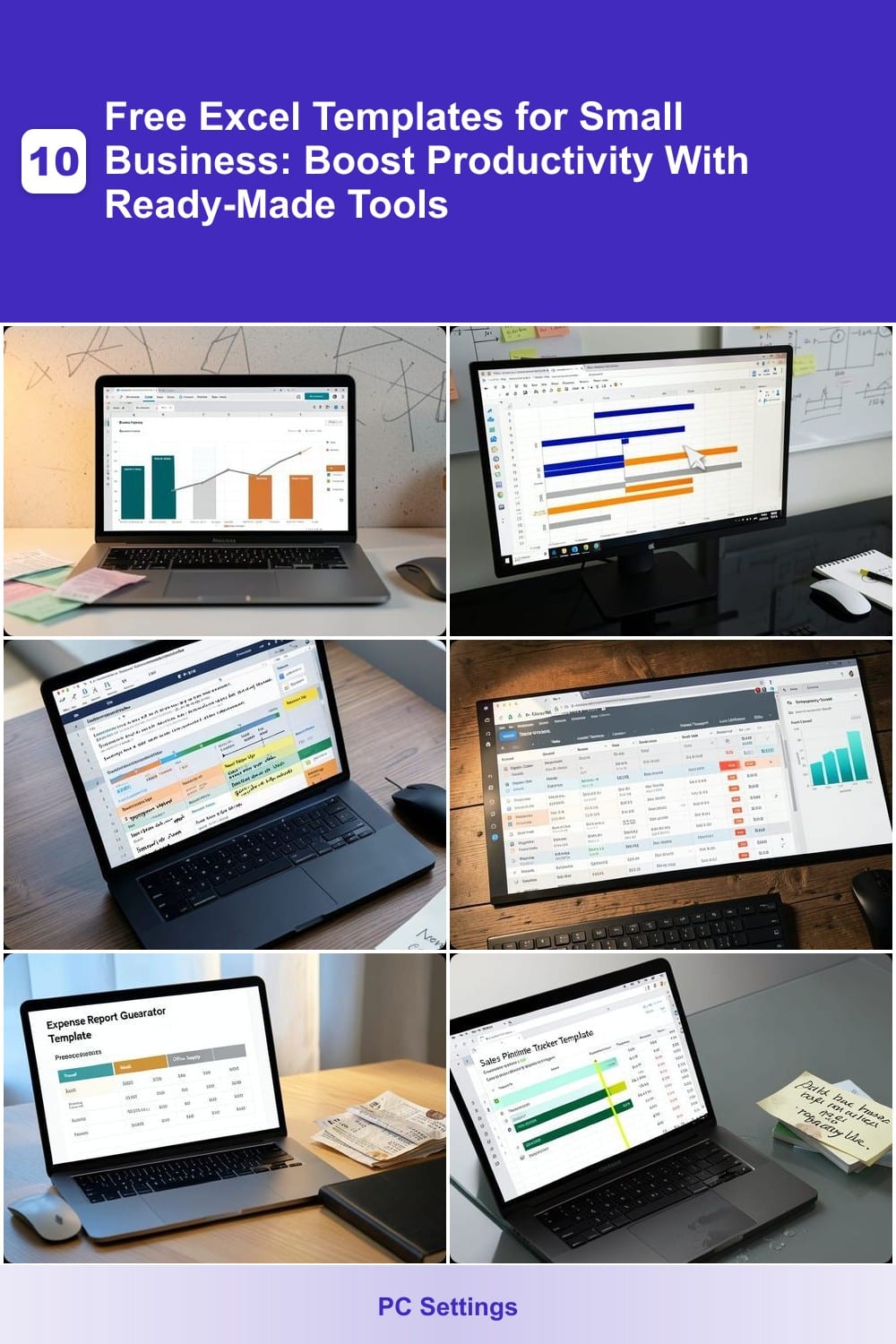
Small business owners need efficient tools to streamline operations without breaking the bank. These 10 free Excel templates cover everything from budgeting to inventory management, saving you time and boosting productivity instantly.
Small Business Budget Tracker Template
If you're drowning in receipts and unsure where your startup's cash flow is headed, this Small Business Budget Tracker Template is your lifeline. Designed for freelancers and solopreneurs, it consolidates income, expenses, and cash flow into a single, color-coded dashboard—no more juggling multiple spreadsheets or guessing at month-end.
The template includes pre-built formulas for automatic calculations, customizable categories (marketing, salaries, utilities), and visual indicators (green for surplus, red for overspending) to spot trends at a glance. It’s fully compatible with Excel for Windows, Mac, and online, so you can access it anywhere. Plus, the monthly summary table gives you a snapshot of profitability in seconds.
Perfect for bootstrapped businesses or side hustles, this template turns financial chaos into clarity without requiring accounting expertise. ⚡
Project Management Timeline Template
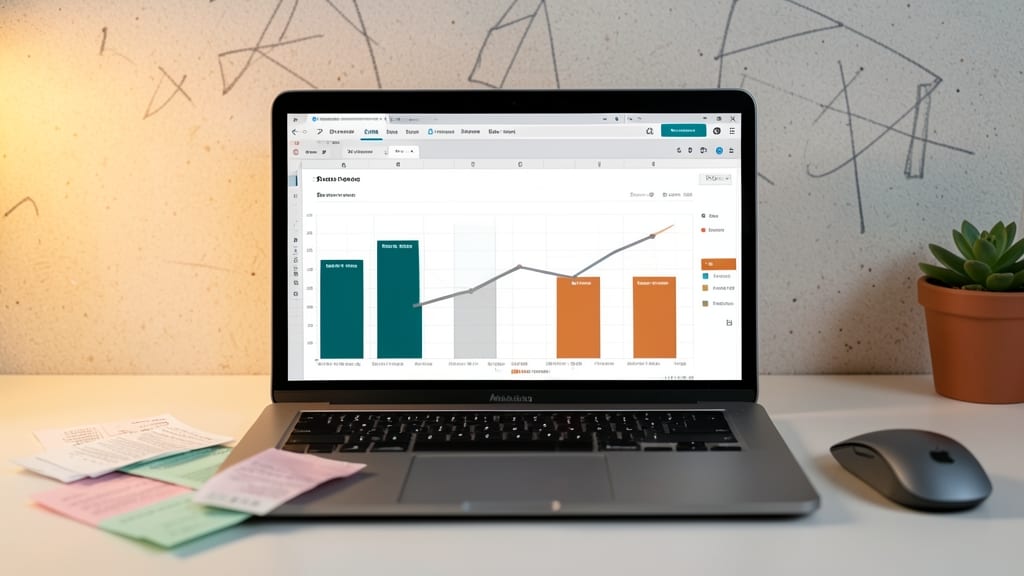
Tired of project chaos where deadlines slip through the cracks? This Project Management Timeline Template transforms your workflow with a Gantt-style chart that maps every phase, milestone, and dependency in one visual roadmap—no project management software required.
The template features drag-and-drop task bars with start/end dates, color-coded phases for quick scanning, and dependency arrows to highlight critical paths. Pre-built formulas automatically calculate durations and progress, while the adaptive layout scales from solo projects to team collaborations. It’s fully compatible with Excel for Windows, Mac, and online, so you can edit on the go.
Ideal for freelancers juggling multiple clients or small teams launching products, this template keeps everyone aligned without the complexity of specialized tools. ✨
Customer Relationship Management Tracker
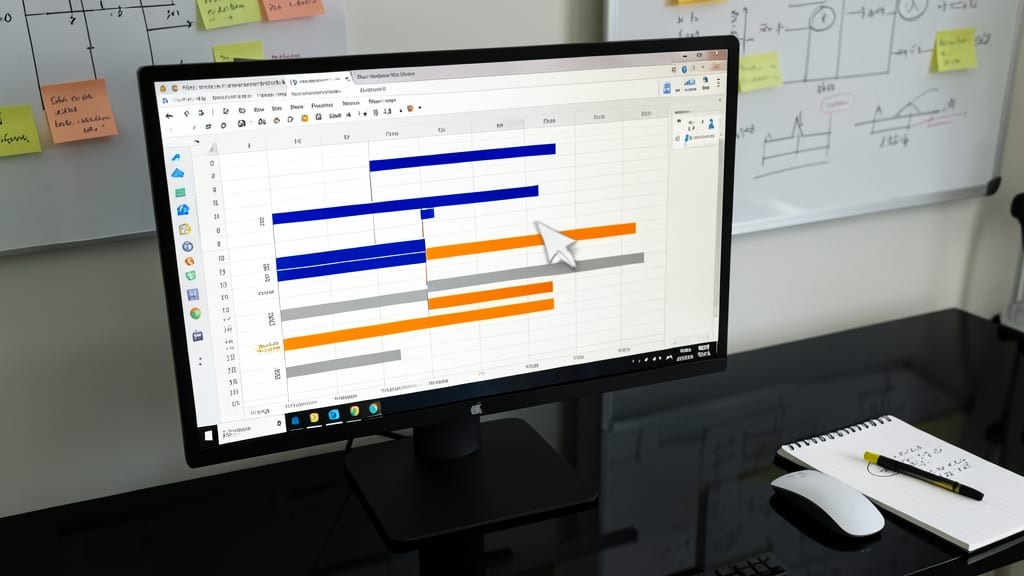
Struggling to remember follow-ups or losing track of client conversations? This Customer Relationship Management Tracker keeps every interaction, promise, and sales opportunity organized in one place—with automated reminders so you never miss a follow-up again.
The template includes dedicated fields for client details, interaction history, and customizable follow-up dates, all tied to color-coded priority flags (red for urgent, yellow for pending). Built-in conditional formatting highlights overdue tasks, while pre-populated email templates speed up responses. Compatible with Excel for Windows, Mac, and online, it syncs seamlessly across devices.
Perfect for consultants, coaches, or agencies where client relationships drive revenue, this tracker turns sporadic outreach into a structured, repeatable system. 💡
Inventory Management Spreadsheet
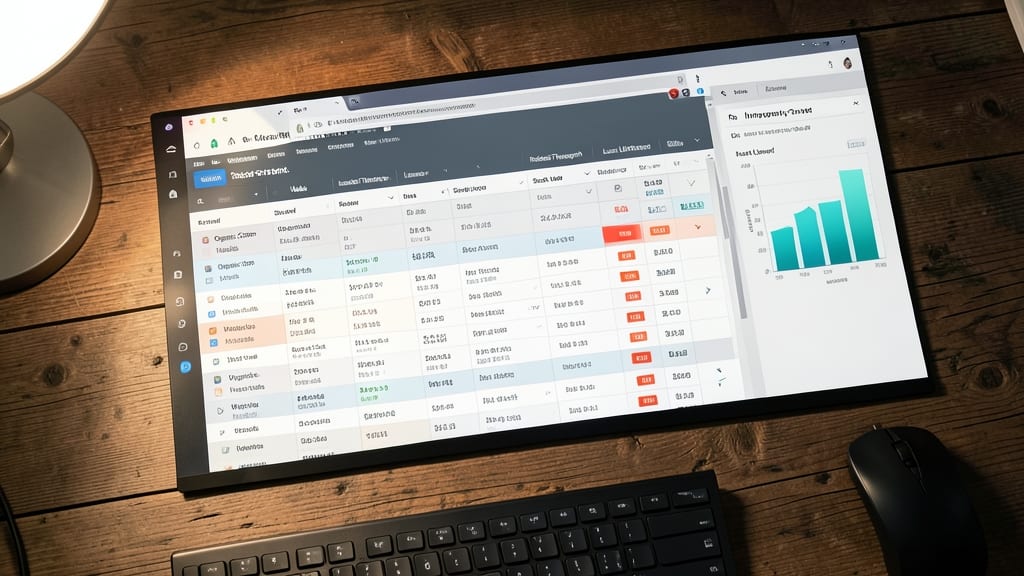
Running out of stock mid-sale is every retailer’s nightmare—this Inventory Management Spreadsheet puts an end to guesswork with a real-time stock tracker that does the heavy lifting for you. Skip the manual counts and spreadsheets piled high with sticky notes; this template consolidates product names, quantities, barcodes, and supplier details into one searchable, filterable dashboard that updates as you go.
The standout feature? Automated low-stock alerts—set your reorder thresholds, and the template flags items needing attention in bold red, while supplier contact info and lead times are just a click away. Built-in formulas handle cost-per-unit tracking, so you can spot slow-moving items at a glance. Compatible with Excel for Windows, Mac, and online, it syncs across devices so your warehouse and office stay in sync—no more siloed data.
This is the must-have for e-commerce stores, boutiques, or wholesalers where stock accuracy means the difference between a sold-out shelf and a happy customer. 💪
Expense Report Generator Template
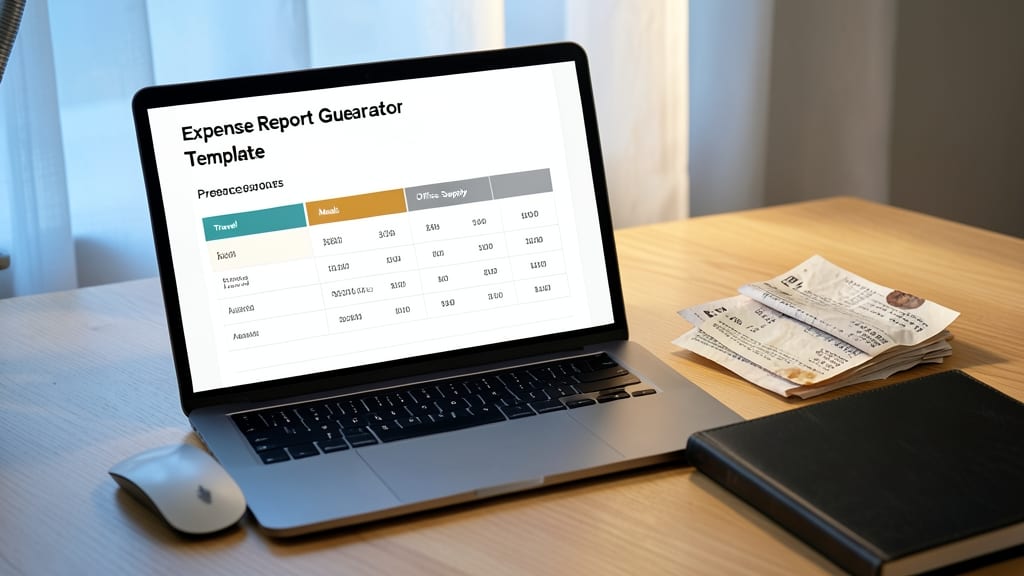
Say goodbye to the headache of manual expense reports—this Expense Report Generator Template turns receipts into reimbursements in minutes. Designed for remote workers, freelancers, and small teams, it eliminates the guesswork with pre-categorized expense types (travel, meals, office supplies) and built-in receipt attachment fields for easy documentation.
The template automates calculations with real-time totals and tax-deductible breakdowns, while color-coded validation flags highlight missing details before submission. Compatible with Excel for Windows, Mac, and online, it syncs seamlessly with accounting tools like QuickBooks. No more lost receipts or spreadsheet errors—just plug-and-play efficiency.
Perfect for businesses with contractors or remote employees, this template speeds up approvals and keeps finances organized. 💪
Sales Pipeline Tracker Template
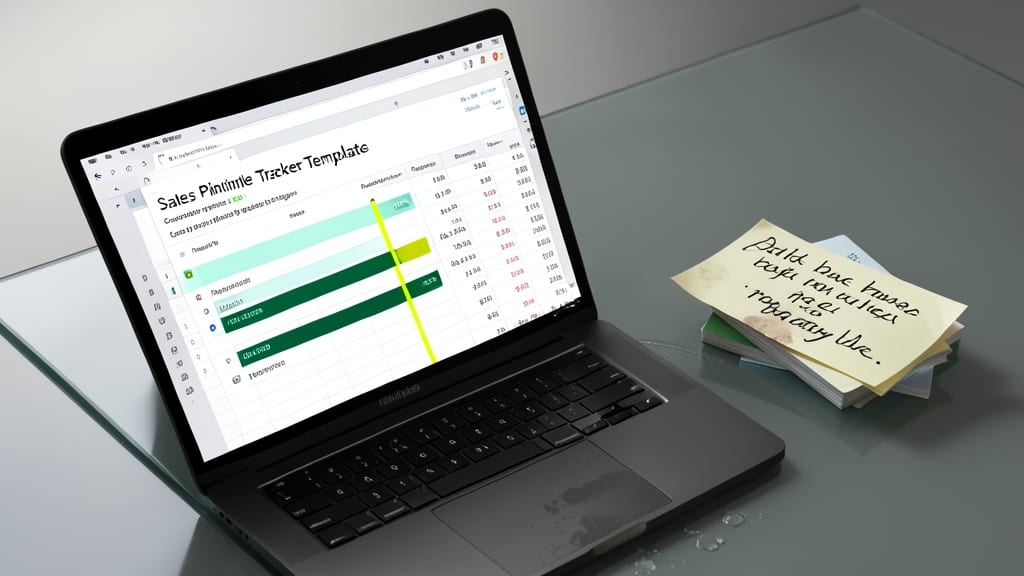
Turn your sales team’s gut feelings into hard data with this Sales Pipeline Tracker Template, designed to map every deal from first contact to closed-won status. Unlike generic CRM tools, this Excel-based solution lets you customize stages, probability percentages (10%-90%), and revenue forecasting—so you can predict quarterly revenue with confidence.
The template includes a visual funnel chart to track deal progression, owner assignments, and deal values in one view, plus automated revenue calculations that update as you input new data. Compatible with Excel for Windows, Mac, and online, it syncs across devices and integrates with tools like QuickBooks for seamless financial tracking. The built-in probability-weighted revenue forecast helps prioritize high-value opportunities.
Perfect for startups, SaaS companies, or sales-driven small businesses, this template replaces guesswork with actionable insights—ideal for teams that need clarity without the cost of enterprise software. 💡
Break-Even Analysis Calculator
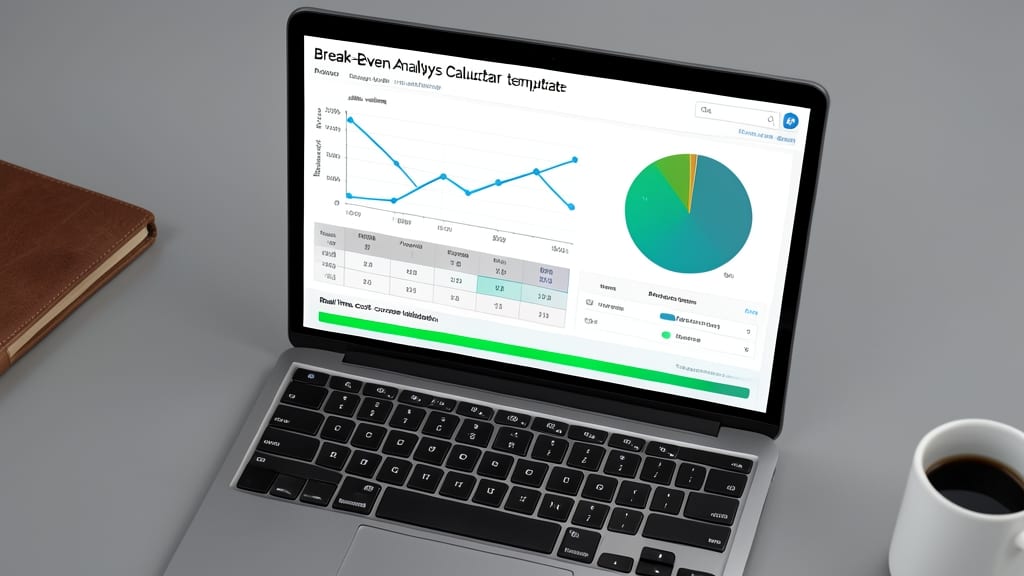
Stop guessing when your business will turn a profit—this Break-Even Analysis Calculator gives you the exact sales volume needed to cover costs and start earning, with real-time visual charts that update as you tweak pricing or expenses. Unlike static spreadsheets, this template dynamically displays your break-even point, profit margins, and revenue projections in a single dashboard, so you can experiment with scenarios without complex financial modeling.
The template includes pre-built formulas for fixed/variable costs, customizable pricing sliders, and automated profit-loss graphs that adapt to your data. Compatible with Excel for Windows, Mac, and online, it’s perfect for product-based businesses or service providers testing new pricing strategies. No accounting degree required—just plug in your numbers and watch the insights appear instantly.
Ideal for startups validating pricing or established businesses optimizing costs, this calculator turns financial guesswork into data-driven confidence. ✨
Employee Time Tracking Sheet
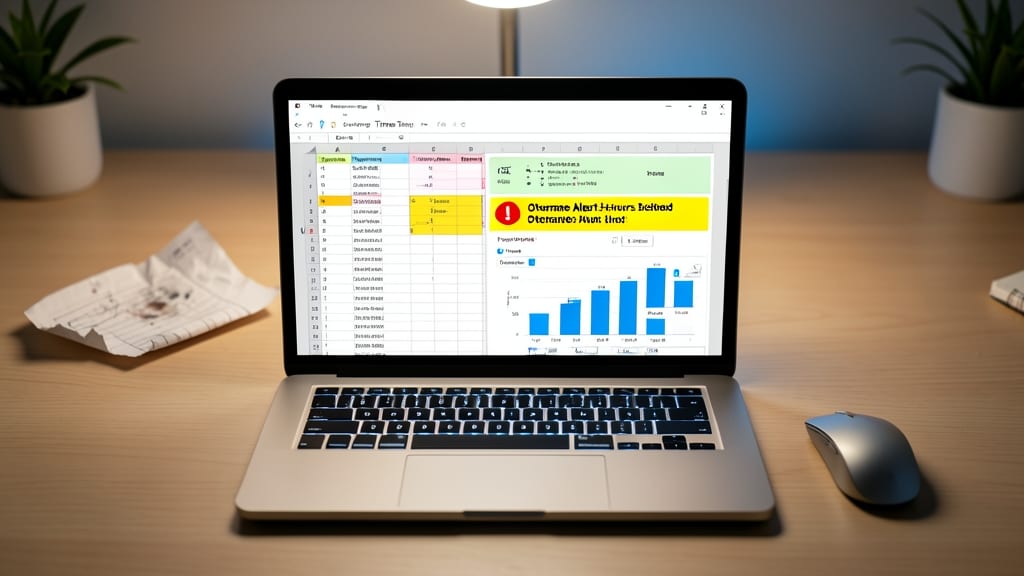
Stop wasting hours manually tracking employee hours—this Employee Time Tracking Sheet automates payroll prep with hourly logging, overtime alerts, and project-based time allocation in one clickable spreadsheet. No more paper timesheets or guesswork; just input hours, and the template calculates totals, flags overtime, and even assigns time to specific projects for accurate client billing.
The template includes pre-built formulas for automatic payroll calculations, color-coded status indicators (approved/pending), and customizable project codes to match your workflow. Compatible with Excel for Windows, Mac, and online, it syncs across devices and exports clean data for payroll software like QuickBooks. The built-in audit trail tracks edits, so nothing slips through the cracks.
Perfect for small agencies, freelance teams, or service-based businesses, this sheet turns time tracking from a chore into a streamlined, data-driven process—freeing you to focus on growth. 💻
Marketing Campaign Planner
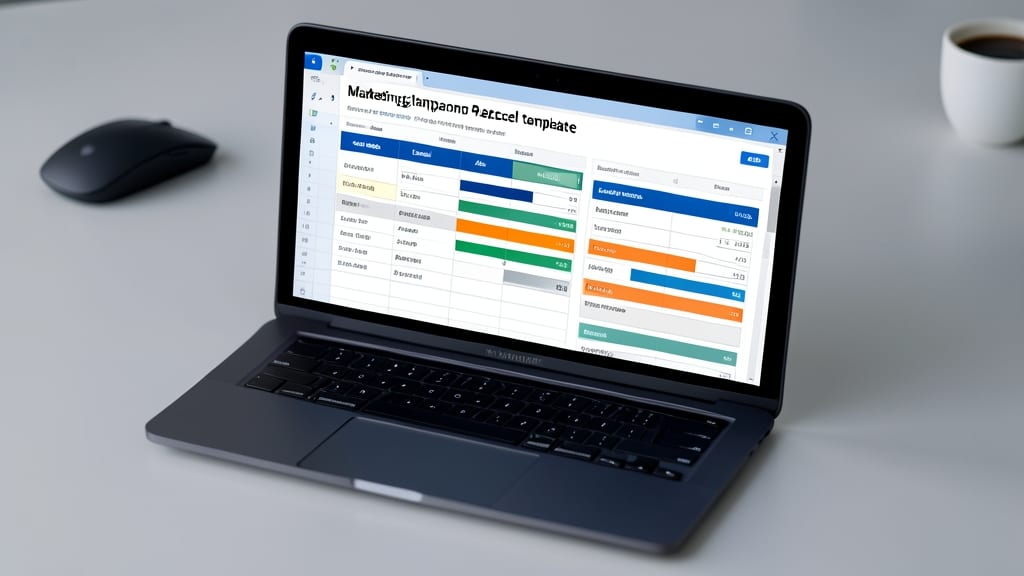
Stop guessing whether your marketing dollars are paying off—this Marketing Campaign Planner turns chaos into clarity by organizing every campaign across channels (social media, email, ads) in one centralized dashboard. Unlike generic spreadsheets, it includes budget allocation fields with automatic percentage tracking and KPI columns for metrics like click-through rates or conversions.
The template’s standout feature? A built-in ROI analysis section that calculates cost-per-lead and revenue generated, so you can compare performance across campaigns at a glance. Pre-built formulas handle automatic ROI percentages and color-code results (green for high-performing, red for underperforming), while the channel-specific tabs keep email, social, and paid ads separate but synced. It’s fully compatible with Excel for Windows, Mac, and online.
Perfect for solopreneurs, digital marketers, or small agencies running multiple campaigns, this planner replaces spreadsheets full of notes with a data-driven system that proves what’s working. 💡
Business Goal Setting Dashboard
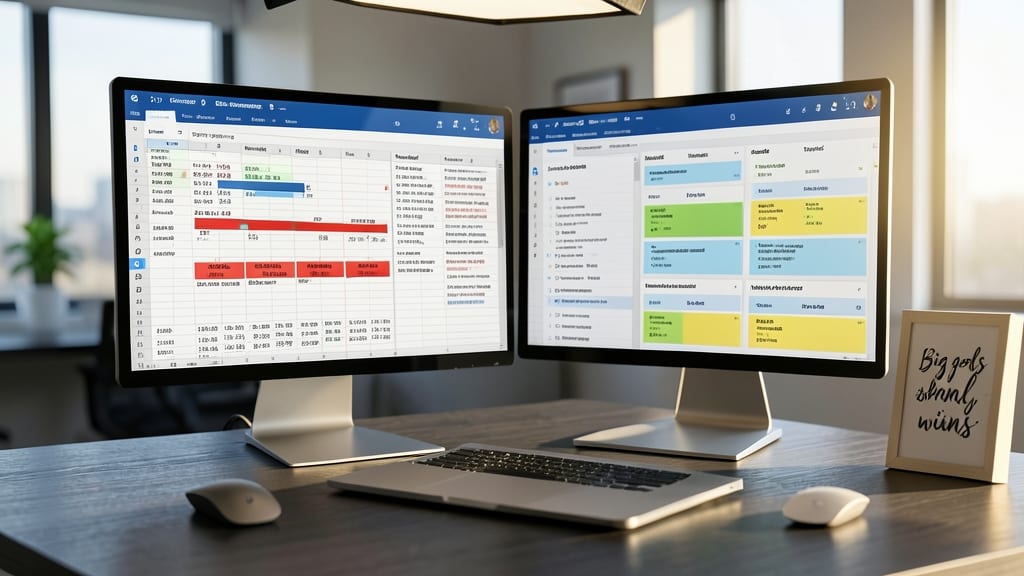
Feeling like your team’s daily tasks are drifting away from your big-picture goals? This Business Goal Setting Dashboard keeps everyone aligned with a SMART goal framework baked right into the template. Instead of vague resolutions, you’ll define Specific, Measurable, Achievable, Relevant, and Time-bound objectives—then track progress with visual progress bars that update as you hit milestones.
The dashboard includes quarterly review prompts to recalibrate priorities, priority-level indicators (high/medium/low), and automated status updates (on track, at risk, completed) so leaders can spot trends before they become problems. Compatible with Excel for Windows, Mac, and online, it’s easy to share with remote teams or print for in-person strategy sessions.
This is the perfect tool for startups, growing teams, or solopreneurs who need to translate vision into action—without the overhead of expensive project management software. 🌟