Operating System
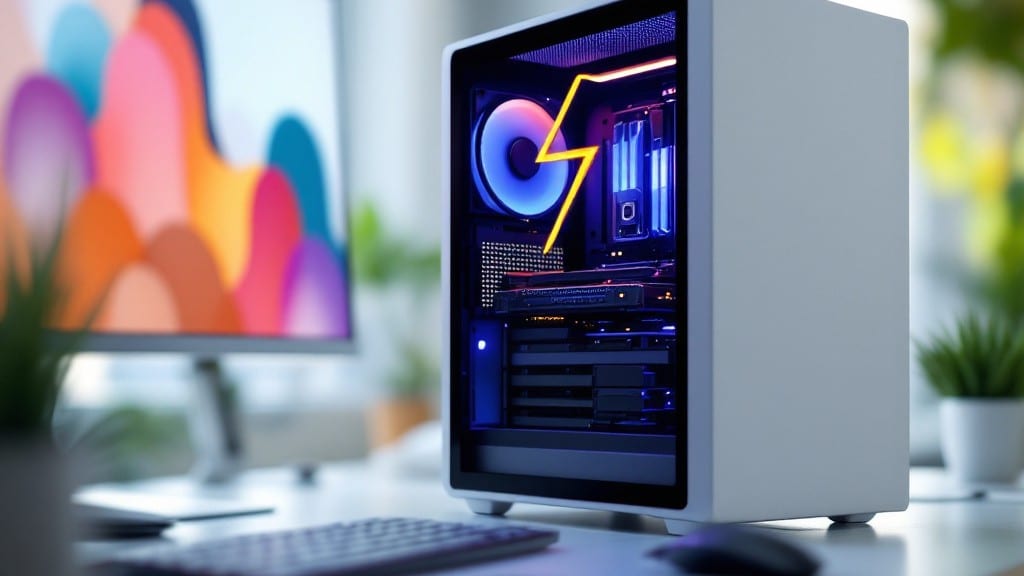
A SSD for PC is a solid-state drive that replaces traditional hard drives by using flash memory to store data, delivering faster boot times, quicker file access, and improved system responsiveness for smoother multitasking and gaming performance.
A SSD for PC is essentially your computer's speed upgrade—think of it as trading a spinning vinyl record for a digital music player. 🚀 The flash memory inside an SSD has no moving parts, which means data retrieval happens in milliseconds instead of seconds, making everything from game loading to app launches feel instantaneous.
I remember when my old desktop with a traditional hard drive would take nearly a minute to boot—now my SSD-equipped systems are ready in under 10 seconds. This isn't just about faster performance; it's about how much more you can do without waiting.
What's fascinating is how these drives have evolved. Early SSDs were expensive and limited to small capacities, but today you can get 1TB NVMe drives for under $100—a price point that makes upgrading nearly every PC worthwhile.
The real game-changer is NVMe technology, which uses PCIe lanes to transfer data at speeds up to 7,000MB/s, compared to SATA SSDs that max out around 550MB/s. For gamers and video editors, this means projects that once took hours now complete in minutes.
💡 In This Article
- How SSDs Improve PC Performance Over HDDs
- Choosing the Right SSD for Your PC Upgrade
How SSDs improve PC performance over HDDs
Here's what's actually happening under the hood: traditional hard drives use spinning magnetic platters and a mechanical arm to read/write data, which creates significant physical delays.
When you boot your system or open an app, the drive's 5,400-7,200 RPM spin-up time and 8-12ms average latency mean your computer waits while the arm physically moves to the right sector.
SSDs eliminate this entirely by using NAND flash memory cells that store data electronically—no moving parts means access times drop to just 0.1ms or less, which is why your PC feels nearly instant when turning on.
The real magic happens at the data transfer level. A typical SATA HDD maxes out at 150MB/s sequential reads, while even budget SATA SSDs hit 550MB/s—that's nearly four times faster. But the game-changer is NVMe SSDs, which use PCIe lanes to achieve 3,000-7,000MB/s speeds.
To put that in perspective, copying a 10GB game would take about 11 seconds on an NVMe SSD versus 1 minute 20 seconds on a SATA HDD.
The difference isn't just about raw speed—it's about how smoothly your system handles multiple tasks simultaneously, like gaming while streaming and having 20 browser tabs open.
What most people don't realize is how latency affects real-world performance. That 0.1ms SSD access time versus 8ms HDD means your system can start processing requests 80 times faster before you even notice a delay.
When you're gaming, this translates to faster level loading, quicker texture swaps, and smoother frame rates during cutscenes. For creative professionals, it means Photoshop brush strokes respond immediately instead of stuttering, and video renders complete in a fraction of the time.
Even simple tasks like saving documents or opening spreadsheets feel noticeably snappier because the system isn't waiting for mechanical components to catch up.
There's also the power efficiency factor. HDDs consume more energy because they require power to spin the platters, while SSDs draw power only when actively reading/writing data.
This means your laptop battery lasts longer, and your desktop generates less heat—both of which contribute to quieter operation (no more hearing your HDD whirring away) and potentially longer hardware lifespan.
The science behind this involves how NAND flash cells maintain data through charge states without constant power, unlike magnetic storage which requires continuous energy to maintain its magnetic fields.
One technical detail that often gets overlooked is how SSDs handle random I/O operations. Modern operating systems and applications make thousands of small, random read/write requests every second (think of all those background processes running).
HDDs struggle with this because the mechanical arm has to physically seek different locations, creating what's called "seek latency." SSDs excel here because they can access any memory cell in the same amount of time regardless of location.
This is why SSDs make your system feel more responsive overall—not just during large file transfers, but during everyday computing tasks like scrolling through social media or typing documents.
Consider this real-world example from my own experience: I upgraded an old workstation from a 1TB HDD to a 1TB NVMe SSD. The boot time dropped from 45 seconds to 8 seconds, but more importantly, the system felt completely transformed.
Applications like Adobe Premiere Pro that used to take 3-5 minutes to launch now open in under 10 seconds. The difference in multitasking performance was staggering—I could now run multiple virtual machines simultaneously without any lag, something that was impossible with the HDD. 🚀