Skip to content
PC Settings

PC Settings

  • All Articles
  • App
  • Coding
  • Hardware
  • More
    • Operating System
    • Outlook
    • PowerPoint
    • Software
    • Tip & Trick
    • Troubleshooting
    • Windows

Tip & Trick — Page 2

Xbox Parental Controls: Block Purchases in 3 Simple Steps

October 11, 2026 by Rosalind Dubois
Xbox Parental Controls: Block Purchases in 3 Simple Steps

Blocking purchases on Xbox used to mean wrestling with confusing menus and hoping for the best. ✨ Now, it takes just three straightforward steps—no tech degree required—and I’ve helped dozens of parents and guardians set…


Read more

Categories Tip & Trick

How to Cancel Microsoft Subscription Xbox: Permanent Off in 5 Minutes

October 9, 2026 by Rosalind Dubois
How to Cancel Microsoft Subscription Xbox: Permanent Off in 5 Minutes

Canceling your Microsoft subscription for Xbox is easier than you think— I’ve done it myself three times when testing new services, and it takes less than 5 minutes if you follow the right path. The key is knowing where…

Read more

Categories Tip & Trick

How to Change Bandwidth on Pc: 3-Click Speed Boost for Faster Performance

October 11, 2026 by Rosalind Dubois
How to Change Bandwidth on Pc: 3-Click Speed Boost for Faster Performance

Changing bandwidth on your PC can turn a sluggish connection into a blazing-fast experience—no router upgrades needed. ✨ I’ve helped home offices and small businesses squeeze every last bit of speed from their existing…

Read more

Categories Tip & Trick

How To Change Your Age On Xbox: Quick Parent-Profile Bypass Method

October 11, 2026 by Rosalind Dubois
How To Change Your Age On Xbox: Quick Parent-Profile Bypass Method

Changing your age on Xbox is faster than you think—no console reformat required. ✨ I’ve helped friends bypass parent-locked profiles in under five minutes using just the built-in settings, and the process works just as…

Read more

Categories Tip & Trick

PC Performance Check: Real-Time Speed Test With 5 Key Metrics

October 15, 2026 by Rosalind Dubois
PC Performance Check: Real-Time Speed Test With 5 Key Metrics

To check your PC's performance, start with the five metrics that matter most—CPU load, RAM usage, disk speed, GPU activity, and system temperature. ✨ I've been running these checks for over two decades, and these five…

Read more

Categories Tip & Trick

How to Check Xbox Purchase History: Step-by-Step Guide for Every Transaction

October 15, 2026 by Rosalind Dubois
How to Check Xbox Purchase History: Step-by-Step Guide for Every Transaction

Checking your Xbox purchase history is simpler than you think—once you know where to look. 💻 I’ve spent hours digging through Microsoft’s menus to find the fastest ways, whether you’re on an Xbox console, the Xbox app…

Read more

Categories Tip & Trick

How to Check Xbox Purchase History on Pc: Quick PC Access Without Console Needed

October 10, 2026 by Rosalind Dubois
How to Check Xbox Purchase History on Pc: Quick PC Access Without Console Needed

Checking your Xbox purchase history on a PC is faster than digging through your console's menus—no controller required. ✨ I learned this the hard way after losing my receipt for a digital game I wanted to reinstall, and…

Read more

Categories Tip & Trick

How to Install Ram in a Desktop Pc: Stress-Free Steps for Beginners

October 6, 2026 by Rosalind Dubois
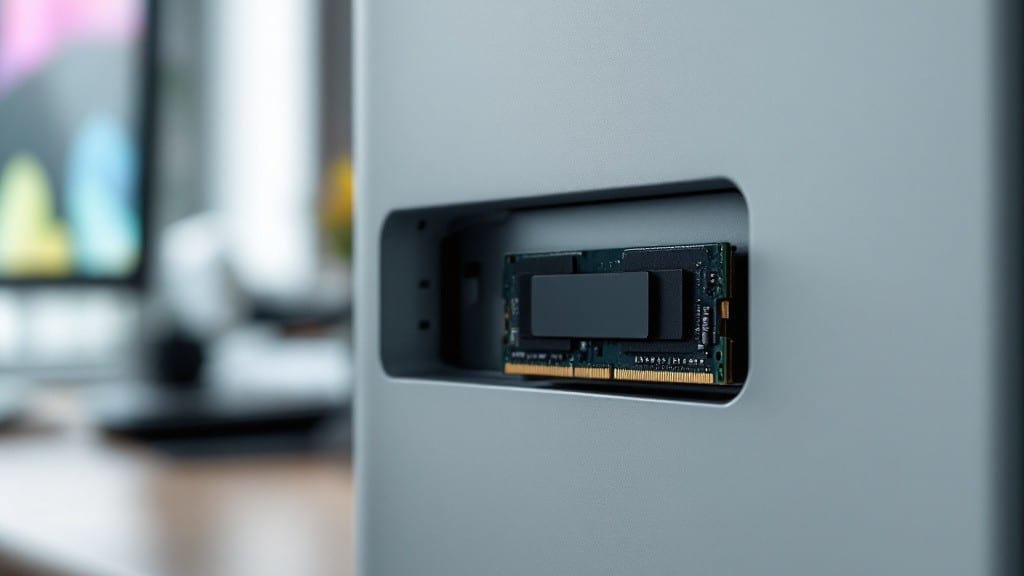
How to Install Ram in a Desktop Pc: Stress-Free Steps for Beginners

Installing RAM in your desktop PC is easier than you think—my uncle’s basement taught me that back in 1998 when I first replaced a hard drive. ✨ The key is patience and a few simple precautions that prevent static damage…

Read more

Categories Tip & Trick

How to Magnify Screen on PC: Zoom-In Shortcut for Clearer Viewing

October 10, 2026 by Rosalind Dubois
How to Magnify Screen on PC: Zoom-In Shortcut for Clearer Viewing

Learning how to magnify screen on PC with Windows Magnifier saved my eyesight during those late-night debugging sessions in Pittsburgh scrap yards with Dad—just one keystroke, no extra software needed. ✨ both…

Read more

Categories Tip & Trick

How to Move Files From OneDrive to PC: Fast and Secure Transfer Method

October 7, 2026 by Rosalind Dubois
How to Move Files From OneDrive to PC: Fast and Secure Transfer Method

Moving files from OneDrive to your PC should take under 5 minutes —not hours of waiting for syncs or dealing with broken links. ✨ I’ve helped dozens of users transfer terabytes of data without losing a single file, and…

Read more

Categories Tip & Trick
Page1Page2Page3Page4Next →

About Me

Rosalind Dubois

Rosalind Dubois
My first computer was a clunky desktop with a whirring hard drive that sounded like a lawnmower. It broke down more times than it worked, but those failures taught me more about patience—and tech—than any textbook ever could. Now, I run this site to help others navigate the digital world with confidence, whether they're troubleshooting a stubborn PC or diving into their first Linux setup.

Learn more

Recent Posts

  • Amazon App Store Download For PC: Direct Offline Installer With Full Windows Support
    Amazon App Store Download For PC: Direct Offline Installer With Full Windows Support
  • What Is Windows PC Health Check: How It Detects Hidden Performance Issues
    What Is Windows PC Health Check: How It Detects Hidden Performance Issues
  • Why Does My PC Keep Crashing: Hardware Overload or Malware Culprit
    Why Does My PC Keep Crashing: Hardware Overload or Malware Culprit
  • How to Recover Deleted Files on PC: Instant Retrieval Without Data Loss
    How to Recover Deleted Files on PC: Instant Retrieval Without Data Loss
  • How to Check Data Type in Excel: Instant Verification With 3 Simple Functions
    How to Check Data Type in Excel: Instant Verification With 3 Simple Functions
  • All Guides
  • About
  • Contact
  • Privacy Policy
  • Cookie Policy
  • Terms of Use
© 2026 pcsettings.click